Paperless-ngx: Self-Hosted Document Management for Your Home Lab
Every household accumulates paper. Tax documents, medical records, insurance policies, receipts, warranties, letters — all of it piling up in folders, drawers, or (if you're honest) random stacks on your desk. Paperless-ngx is a self-hosted document management system that turns all of that into a searchable, tagged, organized digital archive.
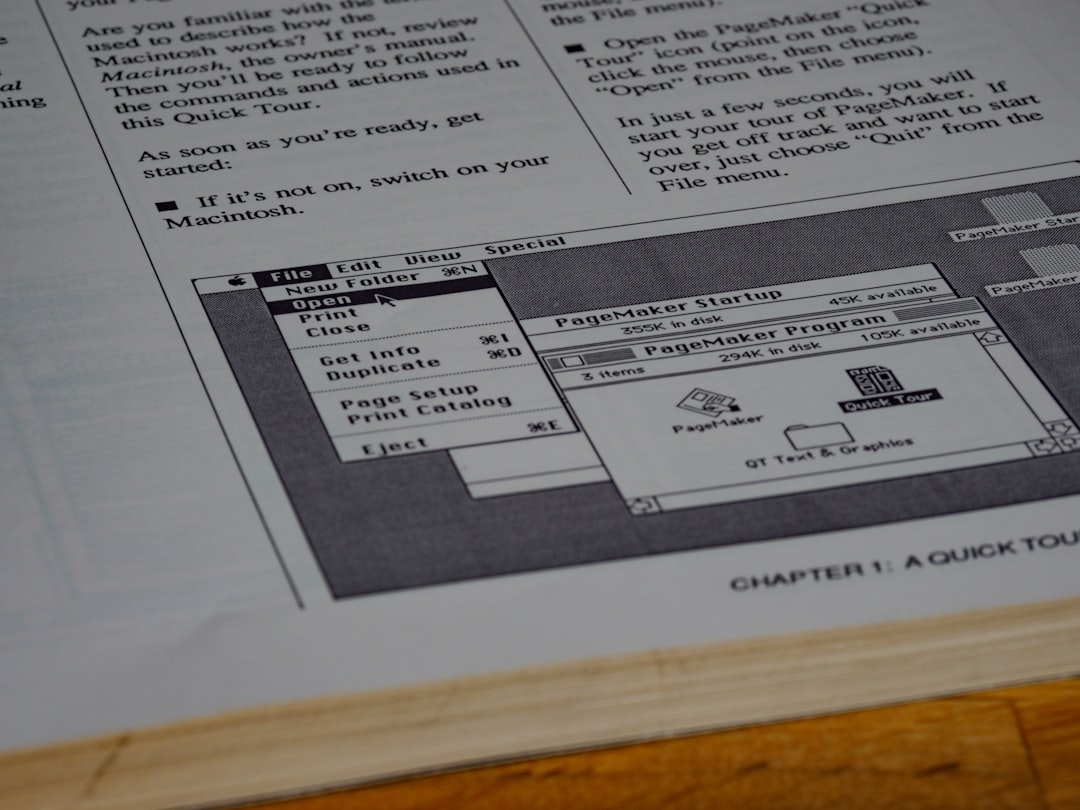
Photo by Brett Jordan on Unsplash
The workflow is simple: scan or photograph a document, drop it into Paperless-ngx's consumption directory, and the system automatically OCRs it, extracts the text, and files it. You can then search the full text of every document you've ever scanned. Need that receipt from three years ago? Search for the vendor name and it appears in seconds.
Why Paperless-ngx
Paperless-ngx is a community fork of the original Paperless project that adds significant improvements. It's the most actively maintained version and the one you should use.
Key features:
- Automatic OCR: Every document gets full-text recognition, making even scanned images fully searchable.
- Smart tagging: Machine learning suggests tags, correspondents, and document types based on content.
- Consumption directory: Drop files into a folder (or email them) and they're automatically imported.
- Full-text search: Search across all your documents instantly.
- Multi-format support: PDF, PNG, JPEG, TIFF, DOCX, and more.
- Mobile-friendly web UI: Access from any device.
- Document matching rules: Automatically tag, assign, and organize based on content patterns.
Deployment
The recommended setup uses Docker Compose with Redis for task management and PostgreSQL for the database (SQLite works too, but PostgreSQL handles larger collections better):
services:
  paperless-redis:
    image: redis:7
    container_name: paperless-redis
    restart: unless-stopped
    volumes:
      - ./redis:/data

  paperless-db:
    image: postgres:16
    container_name: paperless-db
    restart: unless-stopped
    volumes:
      - ./pgdata:/var/lib/postgresql/data
    environment:
      POSTGRES_DB: paperless
      POSTGRES_USER: paperless
      POSTGRES_PASSWORD: changeme

  paperless:
    image: ghcr.io/paperless-ngx/paperless-ngx:latest
    container_name: paperless
    restart: unless-stopped
    depends_on:
      - paperless-db
      - paperless-redis
    ports:
      - "8000:8000"
    volumes:
      - ./data:/usr/src/paperless/data
      - ./media:/usr/src/paperless/media
      - ./export:/usr/src/paperless/export
      - ./consume:/usr/src/paperless/consume
    environment:
      PAPERLESS_REDIS: redis://paperless-redis:6379
      PAPERLESS_DBHOST: paperless-db
      PAPERLESS_DBNAME: paperless
      PAPERLESS_DBUSER: paperless
      PAPERLESS_DBPASS: changeme
      PAPERLESS_OCR_LANGUAGE: eng
      PAPERLESS_TIME_ZONE: America/New_York
      PAPERLESS_ADMIN_USER: admin
      PAPERLESS_ADMIN_PASSWORD: changeme
      PAPERLESS_URL: https://paperless.home.lab
After deploying, create your admin account (or use the environment variables above) and access the web interface on port 8000.
Setting Up the Consumption Pipeline
The consume directory is where Paperless-ngx watches for new documents. Any file you drop here gets automatically imported, OCR'd, tagged, and filed. The original file is then removed (or moved, depending on your configuration).
Option 1: Network Share
Mount the consume directory as a Samba/NFS share. Then you can scan documents on your phone or computer and save them directly to the share:
services:
  samba:
    image: dperson/samba
    container_name: paperless-samba
    restart: unless-stopped
    ports:
      - "445:445"
    volumes:
      - ./consume:/mount/consume
    command: >
      -u "scanner;scannerpass"
      -s "consume;/mount/consume;yes;no;no;scanner"
Option 2: Email Consumption
Paperless-ngx can monitor an email inbox and import attachments automatically:
environment:
  PAPERLESS_EMAIL_TASK_CRON: "*/10 * * * *"
Then configure an email account in the admin panel under Mail → Mail Accounts. Forward documents to a dedicated email address and they'll be automatically imported.
Option 3: Mobile Scanning Apps
Use a scanning app on your phone that saves to a network share or cloud folder synced to the consume directory. Popular options:
- OpenScanApp (Android, open source): Scan directly to a WebDAV or SMB share.
- Apple Notes (iOS): Built-in document scanner, save the PDF to a shared folder.
- Microsoft Lens: Good OCR on the phone, export to PDF.
Want more productivity guides? Get guides like this in your inbox — HomeLab Starter delivers one free deep-dive every week.
Organizing Documents
Tags
Tags are the primary organization method. Create tags for categories that matter to you:
- Financial:
tax,receipt,invoice,bank-statement,insurance - Medical:
medical,prescription,lab-results - Housing:
lease,mortgage,utility-bill,maintenance - Legal:
contract,id-document,warranty
Correspondents
Correspondents represent who sent or created the document. Paperless-ngx can auto-detect these:
- Your bank
- Your employer
- Insurance companies
- Government agencies
- Utility providers
Document Types
Broader categories than tags: Letter, Receipt, Invoice, Contract, Statement, Manual.
Automatic Matching
The real power comes from matching rules. Paperless-ngx can automatically assign tags, correspondents, and document types based on content:
- Exact match: If the document contains "Blue Cross Blue Shield", tag it
insuranceand set correspondent to "BCBS". - Regular expression: Match invoice numbers, account numbers, or specific formats.
- Fuzzy match: Catches slight variations in how names or terms appear.
- Machine learning: After you manually tag enough documents (~20-30), Paperless-ngx learns your patterns and starts suggesting automatically.
Storage and Backup
How Much Space Do You Need?
A typical scanned document (letter-sized, 300 DPI) is about 500KB-2MB as a PDF. At that rate:
- 1,000 documents: ~1-2 GB
- 10,000 documents: ~10-20 GB
- A lifetime of documents: Usually under 50 GB
The media directory holds the actual files, and the data directory holds the database and index. Back up both.
Backup Strategy
Paperless-ngx has a built-in export function:
docker exec paperless document_exporter /usr/src/paperless/export
This exports all documents and metadata to the export directory. Combine this with your regular backup solution (BorgBackup, restic, etc.) for a solid backup strategy.
Tips for Getting Started
Start with recent documents. Don't try to scan your entire filing cabinet on day one. Start with new documents as they arrive and backfill when you have time.
Establish tag conventions early. It's harder to rename and reorganize later. Decide on your tag structure before importing hundreds of documents.
Use the mobile app. Scan documents the moment you receive them. The longer paper sits around, the less likely you are to digitize it.
Set up automatic matching rules as you go. Every time you manually tag a document, ask yourself: "Could Paperless-ngx detect this automatically?" If yes, create a matching rule.
Keep original papers for important documents. Paperless-ngx is excellent for searching and organization, but some documents (birth certificates, titles, certain legal documents) should be kept in physical form too.
Performance Considerations
OCR is CPU-intensive. When you first set up Paperless-ngx and bulk-import documents, expect high CPU usage as the OCR engine processes everything. After the initial import, ongoing consumption is light — processing a single document takes 10-30 seconds depending on length and your hardware.
For bulk imports of hundreds of documents, consider running Paperless-ngx on a machine with at least 4 cores. For ongoing use with a few documents per week, even a Raspberry Pi 4 handles it fine.
Paperless-ngx is one of those home lab services that feels unnecessary until you set it up, and then you wonder how you ever lived without it. Being able to search your entire document history in seconds changes how you think about paper.