Home Lab Budget Builds: $100, $300, and $500 Setups
One of the most common questions in the home lab community is "how much do I need to spend?" The answer is: less than you think. A capable home lab doesn't require enterprise hardware or a large budget. Used business hardware has crashed in price as corporations upgrade their fleets, and mini PCs deliver surprising performance in tiny packages.
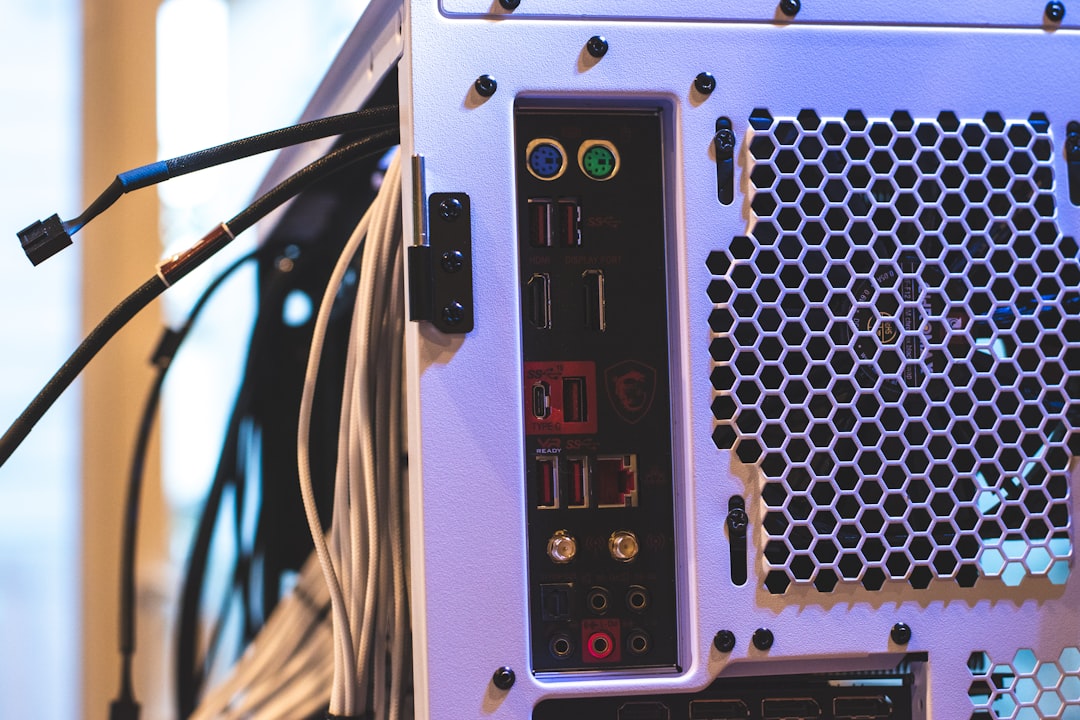
Photo by Patty Zavala on Unsplash

Here are three builds at different price points, all capable of running real home lab workloads. Prices are based on typical eBay/Amazon listings as of early 2026.
The $100 Build: Dell Optiplex Starter
Total: ~$80-120
| Component | Spec | Price |
|---|---|---|
| Dell Optiplex 7050 SFF | i5-7500, 8GB DDR4, 256GB SSD | ~$60-80 |
| RAM upgrade | +8GB DDR4 (to 16GB total) | ~$12 |
| Storage | 1TB HDD (used/refurb) | ~$15 |
What You Get
The Optiplex 7050 is the workhorse of budget home labs. It's a small form factor (SFF) business desktop with a quad-core i5, and they're everywhere on the used market because corporations lease them for 3-4 years and then dump them by the thousands.
With 16GB of RAM and a basic SSD, this machine comfortably runs:
- Proxmox as a hypervisor with 2-3 lightweight VMs
- 10-15 Docker containers (Pi-hole, Nginx Proxy Manager, Jellyfin, Portainer, Home Assistant, etc.)
- A small NAS for personal file storage (add the 1TB HDD for data)
What You Don't Get
- No ECC memory support
- Limited to 64GB RAM (practically limited to 32GB by cost)
- Only one PCIe slot for expansion
- The SFF case limits you to low-profile add-in cards
- No IPMI/remote management (you'll need a monitor for initial setup)
Power Consumption
The Optiplex 7050 idles at about 15-20 watts. Running a full workload pushes it to 50-65 watts. At $0.12/kWh, that's roughly $2-3/month in electricity — less than a coffee.
Why This Build Works
For a first home lab, this is the sweet spot. It's cheap enough that you won't stress about breaking it while learning. It runs quietly enough to sit on a desk or shelf. And it has enough power for everything a beginner needs.
The 7th-gen i5 supports Quick Sync for hardware video transcoding, so Jellyfin/Plex can transcode a 1080p stream without breaking a sweat.
The $300 Build: Mini PC Powerhouse
Total: ~$280-320
| Component | Spec | Price |
|---|---|---|
| Beelink SER5 MAX / MinisForum UM590 | Ryzen 9 5900HX, barebone | ~$200-230 |
| RAM | 32GB DDR4 SO-DIMM (2x16GB) | ~$45 |
| Storage | 500GB NVMe SSD | ~$30 |
| USB 3.0 HDD enclosure + 2TB HDD | For bulk storage | ~$25 |
What You Get
Mini PCs have become the darling of the home lab community, and for good reason. The Ryzen 9 5900HX in a Beelink SER5 MAX has 8 cores and 16 threads — that's more compute than most enterprise servers from five years ago, in a box the size of a paperback book.
With 32GB of RAM, this machine handles:
- Proxmox with 5-8 VMs running comfortably
- 20-30 Docker containers without breaking a sweat
- Kubernetes (K3s) single-node cluster for learning
- Jellyfin with multiple simultaneous transcodes
- Paperless-ngx with fast OCR processing
- Home Assistant with a dozen integrations
What You Don't Get
- No ECC memory
- Limited expansion (no PCIe slots at all)
- Only 2 storage slots (1 NVMe + 1 SATA, model dependent)
- No 2.5GbE or 10GbE (most have 1GbE, some newer models have 2.5GbE)
Power Consumption
Mini PCs are remarkably efficient. The SER5 MAX idles at 8-12 watts and peaks at about 65 watts under full load. Monthly electricity cost: about $1.50-2.50.
Why This Build Works
The mini PC form factor is compelling because it's silent (or near-silent), energy-efficient, and powerful enough for serious workloads. The Ryzen 5900HX was a laptop chip, so it's designed for the thermal and power constraints of a small enclosure.
At $300, you get a machine that would cost $800+ as a new consumer desktop with similar specs. The trade-off is limited expandability — what you buy is what you get. But for most home lab use cases, 8 cores, 32GB RAM, and NVMe storage is plenty.
The $500 Build: Used Server with Room to Grow
Total: ~$450-550
| Component | Spec | Price |
|---|---|---|
| Dell PowerEdge T340 / HP ProLiant ML350 Gen10 | Xeon E-2236 (or similar), 16GB ECC | ~$250-350 |
| RAM upgrade | +32GB ECC DDR4 (to 48GB total) | ~$60 |
| Boot SSD | 256GB SATA SSD | ~$20 |
| Storage | 2x 4TB HDD (used/refurb) | ~$60 |
| HDD caddy/trays | If not included | ~$15 |
What You Get
At $500, you enter the world of real server hardware. A tower server like the Dell T340 or HP ML350 Gen10 gives you things no desktop or mini PC can:
- ECC memory: Error-correcting RAM that prevents silent data corruption. Essential for ZFS and any storage server.
- Hot-swap drive bays: Add and replace drives without shutting down.
- IPMI/iDRAC/iLO: Full remote management — console access, power control, health monitoring — even when the OS is crashed.
- Redundant power supply (some models): Survive a PSU failure.
- 8+ DIMM slots: Upgrade to 128GB+ when needed.
With 48GB ECC RAM and server-grade hardware, this handles:
- TrueNAS with ZFS — the way it's meant to be run (ECC memory + multiple drive bays)
- Proxmox cluster node with 8+ VMs
- Kubernetes with real resource headroom
- Heavy workloads: Databases, CI/CD runners, build servers
What You Don't Get
- Quiet operation — tower servers are quieter than rack servers but still audible. Plan to keep it in a closet, basement, or garage.
- Low power bills — expect 80-150 watts at idle, $8-15/month in electricity.
- A small footprint — tower servers are big.
Power Consumption
Server hardware is hungry. The T340 idles around 80-100 watts, and under load can pull 200+ watts. The electricity cost is real: $8-15/month at idle. Factor this into your budget.
Why This Build Works
If you're serious about running a NAS or storage server, ECC memory isn't optional — it's how you protect your data. The drive bays give you room to grow without external enclosures. And IPMI means you can manage the server remotely, including reinstalling the OS.
The T340 in particular is a favorite because it uses desktop-class Xeon E processors (not the louder, more power-hungry rack Xeons) while still supporting ECC and server features.
Want more hardware guides? Get guides like this in your inbox — HomeLab Starter delivers one free deep-dive every week.
Comparing the Builds
| Aspect | $100 Optiplex | $300 Mini PC | $500 Server |
|---|---|---|---|
| Cores/Threads | 4/4 | 8/16 | 6/12 |
| RAM | 16GB | 32GB | 48GB ECC |
| Storage | 256GB SSD + 1TB HDD | 500GB NVMe + 2TB ext | 256GB SSD + 8TB |
| Power (idle) | 15-20W | 8-12W | 80-100W |
| Noise | Silent | Nearly silent | Audible |
| Size | Small desktop | Paperback book | Tower case |
| Best for | Learning, basic services | Docker-heavy workloads | Storage, VMs, production |
How to Choose
Buy the $100 Optiplex if you're exploring the home lab hobby and aren't sure how deep you'll go. It's cheap enough to be a low-risk experiment.
Buy the $300 mini PC if you know you want to run a serious Docker workload, value silence and efficiency, and don't need lots of storage expansion.
Buy the $500 server if you need ECC memory for data integrity, want hot-swap drive bays for storage, or are building something that needs to be reliable.
One More Option: Combine Them
Many home labs evolve into a multi-machine setup:
- A mini PC as the always-on Docker host (low power, silent, runs 24/7)
- A server as the NAS and storage node (powers on for backups, heavy tasks)
- An Optiplex as a test/dev machine (experiments, learning, disposable)
You don't have to pick just one. Start with whatever fits your budget and add machines as your needs grow. The beauty of a home lab is that it evolves with you.